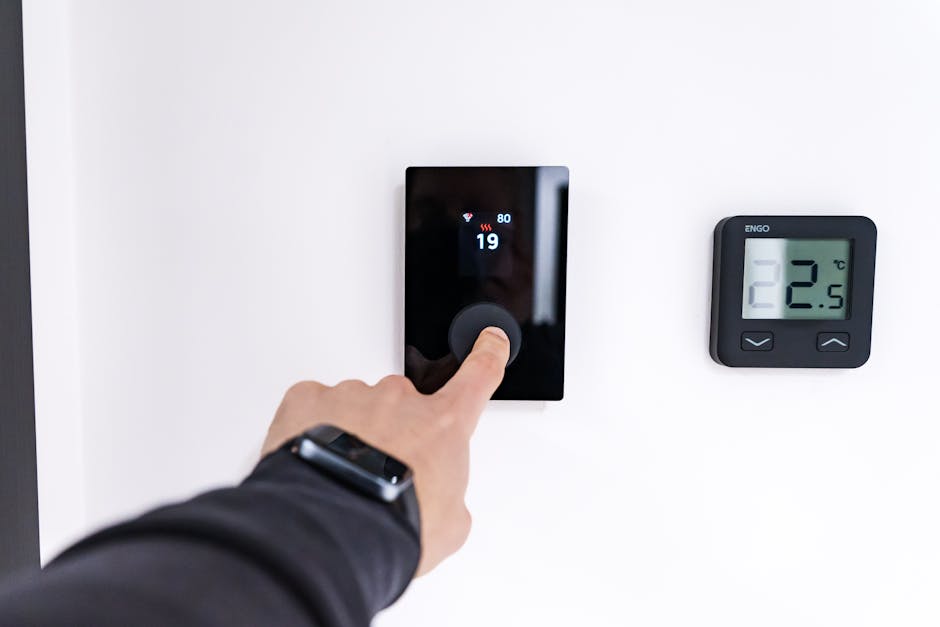
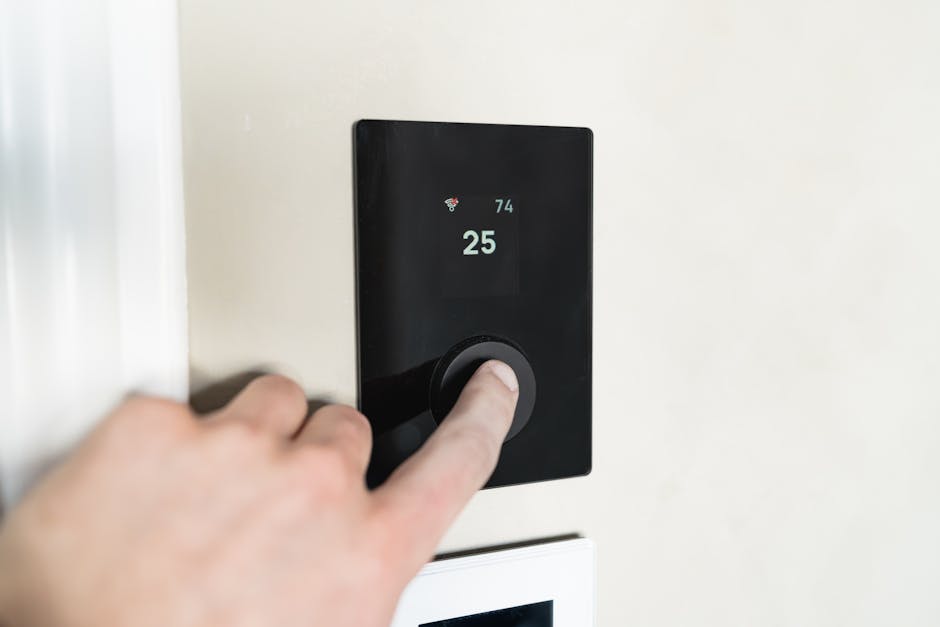

Are you tired of seeing your energy bills climb, especially during Raleigh’s hot summers or chilly winters? Many homeowners struggle with keeping their living spaces comfortable without breaking the bank. It’s a common dilemma: balancing the desire for a perfectly temperate home with the practical need to manage costs.
The good news is, you don’t have to choose between comfort and savings. With a few smart strategies, you can significantly reduce your heating and cooling expenses. Understanding how to properly program your thermostat, especially if you have a modern smart model, is one of the smartest investments you can make in your home’s efficiency. Our team at Parkside Plumbing & HVAC knows a lot about keeping your home comfortable and efficient, which is why we often recommend looking into your HVAC services system’s brain: the thermostat.
What is a Smart Thermostat?
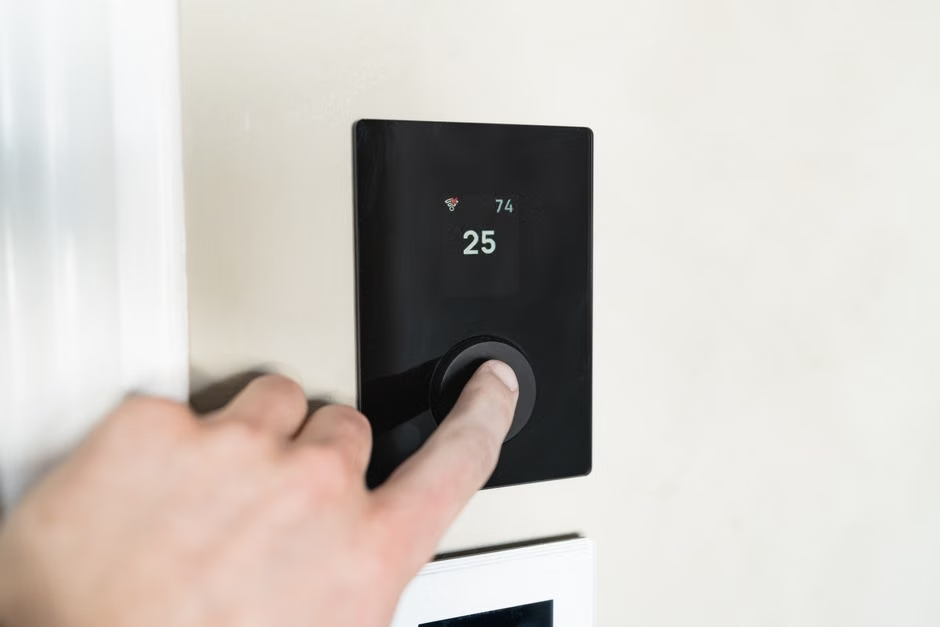
A smart thermostat is an internet-connected device that allows you to control your home’s heating and cooling system remotely, often from a smartphone app. Unlike traditional programmable thermostats that simply follow a fixed schedule, smart thermostats offer advanced features like learning your preferences, integrating with smart home systems, and providing detailed energy reports. They go beyond basic scheduling, often using sensors and algorithms to optimize your home’s climate.
This intelligent control helps maintain consistent care for your home’s comfort, ensuring that heating and cooling operate only when truly needed. The U.S. Department of Energy highlights that programmable thermostats, a precursor to smart models, can save users about $180 per year on energy costs when used properly, and smart thermostats build upon these savings with even greater efficiency. For more insights on this, you can check information from the U.S. Department of Energy.
How Does Smart Thermostat Programming Work?
Smart thermostat programming leverages technology to make your home more energy-efficient and comfortable without constant manual adjustments. They generally work in a few key ways:
- Scheduling: You can set specific temperatures for different times of day and days of the week, just like a regular programmable thermostat. Want it warmer when you wake up, cooler while you’re at work, and just right for evenings? No problem.
- Remote Control: Via a mobile app, you can adjust your thermostat from anywhere. Forgot to turn down the AC before leaving for vacation? A quick tap on your phone solves it.
- Learning Capabilities: Many smart thermostats learn your routines and preferences over time, automatically creating optimized schedules. If you consistently turn down the heat at 9 PM, it might start doing that for you.
- Geofencing: Some models use your phone’s location to know when you’re leaving or approaching home, adjusting temperatures accordingly to save energy when you’re out and warm things up for your arrival.
- Integration: They can connect with other smart home devices like voice assistants (Alexa, Google Assistant) or smart sensors for even finer control and automation.
What Temperature Should I Set My Thermostat to Save Money in Winter?
During winter, the best temperature to set your thermostat for saving money is typically around 68°F (20°C) when you are home and awake. When you’re asleep or away from home, you can lower the setting by 7-10°F to save significantly more energy. This strategy reduces the workload on your heating system, leading directly to lower energy consumption.
Many people find that 68°F offers a good balance of comfort and energy efficiency. Lowering the temperature to 60-62°F when you’re not actively using your home can generate substantial savings. Our team often reminds homeowners that every degree you lower your thermostat for eight hours a day can save you 1% on your heating bill. This might not sound like much, but it really adds up over a heating season.
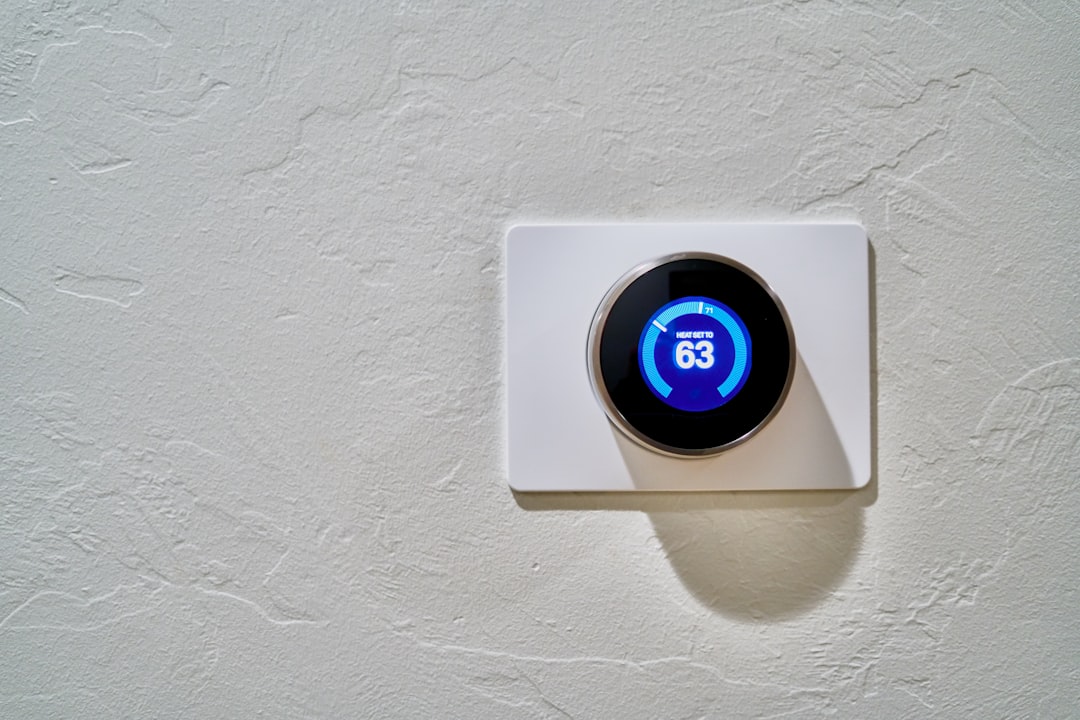
Is It Better to Keep Your Thermostat at a Constant Temperature?
No, it’s generally not better to keep your thermostat at a constant temperature, especially if you’re trying to save energy. Allowing the temperature to fluctuate based on occupancy and time of day, rather than maintaining a single setting, is more energy-efficient. Your heating and cooling system works hardest to maintain extreme temperatures, so letting it relax when nobody’s home reduces energy usage.
“Lowering your thermostat by 7-10 degrees for at least eight hours a day can save you as much as 10% a year on heating and cooling, which is a significant chunk of change over time.”
We’ve found in our Raleigh practice that making adjustments throughout the day for your comfort and for periods when you’re away is a smart investment. It allows your system to cycle less, potentially prolonging the life of your HVAC equipment and reducing wear and tear. A smart thermostat excels at these automatic adjustments, ensuring time-saving convenience without you lifting a finger.
What Are Energy-Efficient Thermostat Settings for Summer and Winter?
Achieving energy efficiency year-round means adjusting your thermostat settings strategically for both heating and cooling seasons. The key is to minimize the difference between the indoor and outdoor temperatures while maintaining comfort.
For Summer Cooling:
- When Home: Aim for 78°F (26°C). This is often the highest comfortable temperature for most people, and it greatly reduces the load on your air conditioner.
- When Asleep or Away: Increase the temperature by 7-10°F, setting it to 85°F (29°C) or even higher if you’re away for an extended period. Your system won’t work as hard to maintain a significantly cooler temperature in an empty house.
- Using a Fan: Ceiling fans can make you feel 4°F cooler without lowering the thermostat. Remember to turn them off when you leave the room.
For Winter Heating:
- When Home: Target 68°F (20°C). This setting provides warmth without excessive energy consumption.
- When Asleep or Away: Drop the temperature by 7-10°F, aiming for 60-62°F (16-17°C). Your body naturally adjusts to cooler temperatures during sleep, and an empty house doesn’t need to be kept toasty warm.
- Layer Up: Wearing warmer clothes indoors in winter can help you feel comfortable at a slightly lower thermostat setting.
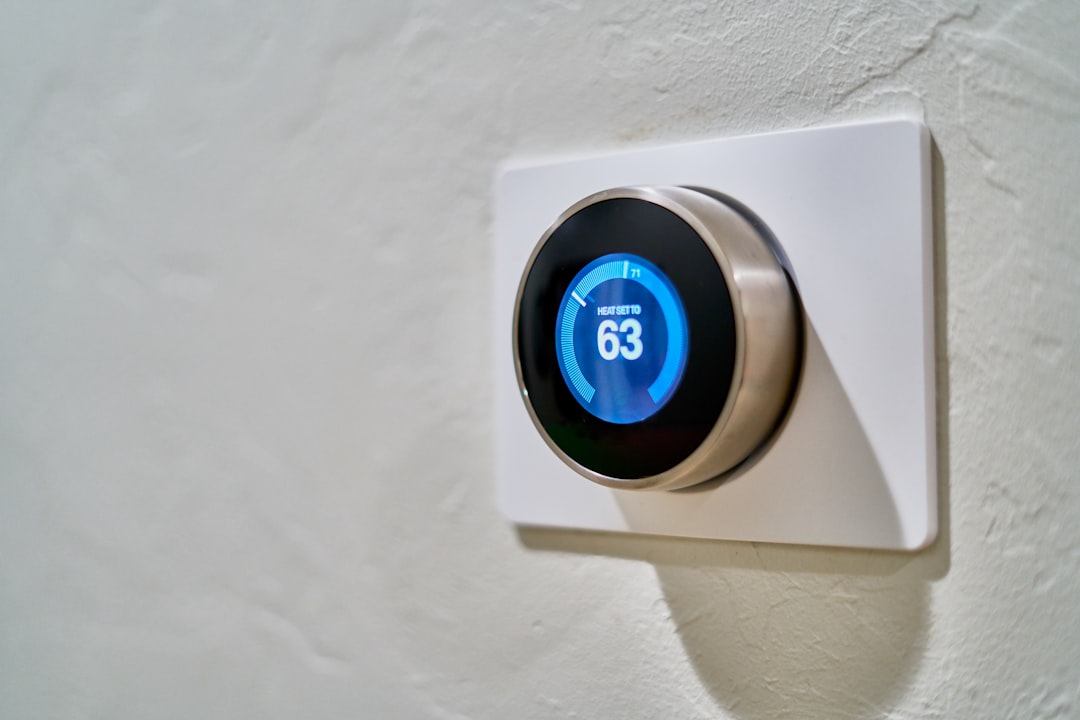
Is a Smart Thermostat Right for Every Home?
While smart thermostats offer undeniable benefits, they aren’t a one-size-fits-all solution. For instance, homes with complex zoning systems or specific heating setups like radiant floor heating might require specialized smart thermostats. We understand that every home is unique. If your home has an older, incompatible wiring system, you might need a professional to install it, or a simpler, traditional programmable thermostat could be a better fit. Similarly, if you live alone and have a very consistent schedule, a basic programmable model might offer nearly the same savings without the extra features.
However, for most modern homes and lifestyles, the convenience and savings offered by a smart thermostat are substantial. If you’re rarely home, or your schedule is constantly changing, the remote access and learning capabilities are truly beneficial. We always recommend considering your specific needs and consulting with a knowledgeable technician to ensure the best fit for your home and existing electrical services setup. Sometimes, a simpler, traditional programmable thermostat might meet your needs just fine, offering reliable temperature control without the higher upfront cost of a smart device.
What to Look For in a Smart Thermostat
When considering an upgrade, look for features that align with your lifestyle and energy-saving goals:
- Remote Access: The ability to control your thermostat from anywhere via an app.
- Programmable Schedules: Easy-to-use interfaces for setting daily and weekly temperature changes.
- Geofencing: Automatically adjusts temperature when you leave or approach your home.
- Learning Algorithms: The thermostat learns your habits and creates optimized schedules over time.
- Energy Reporting: Provides data on your energy usage to help you identify areas for improvement.
- Voice Assistant Compatibility: Integrates with Amazon Alexa, Google Assistant, or Apple HomeKit for hands-free control.
- Zoning Capabilities: If you have multiple heating/cooling zones, ensure the thermostat supports this.
Realistic Results and What to Expect
When you transition to a smart thermostat, you can expect to see a gradual reduction in your energy bills. Most homeowners report savings of 10-12% on heating and 15% on cooling, according to studies by manufacturers like Nest and Ecobee. These savings typically start appearing within the first few billing cycles, though the exact amount can vary based on your home’s insulation, your initial thermostat habits, and local climate.
There’s usually a short learning curve as the device adapts to your preferences or as you get comfortable with its programming features. Within a few weeks, you’ll likely notice the system operating more efficiently and consistently. You’ll gain greater control over your home’s climate, often experiencing more stable temperatures and fewer uncomfortable swings. It’s a reliable professional upgrade that brings long-term reliability and comfort.
Practical Tips for Maximizing Your Savings
Optimizing your smart thermostat’s potential goes beyond just setting temperatures. Here are some practical tips that our team often shares with homeowners in Raleigh:
- Schedule Aggressively: Don’t just rely on “learning” features. Manually input your away and sleep times, aiming for those 7-10°F setbacks.
- Seal Air Leaks: Even the smartest thermostat can’t compensate for drafts. Check around windows, doors, and electrical outlets for leaks. Sometimes, a quick call for handyman services can take care of these minor but impactful issues.
- Utilize Hold/Away Modes: If you’re leaving for an unscheduled period, manually put your thermostat into “away” mode to prevent unnecessary heating or cooling.
- Understand Your Energy Reports: Many smart thermostats provide detailed reports. Review these monthly to understand your usage patterns and identify peak consumption times.
- Regular HVAC Maintenance: A well-maintained heating and cooling system runs more efficiently. Schedule annual check-ups with professionals. Neil Henderson, who writes for Parkside Plumbing & HVAC, notes that keeping your system clean and calibrated ensures your thermostat’s commands are carried out effectively, maximizing those efficiency gains.
- Leverage Smart Home Integration: Connect your thermostat to smart blinds or smart lights to further optimize energy usage. For example, programming blinds to close during the hottest part of the day can significantly reduce cooling needs.
Implementing smart thermostat programming is one of the easiest ways to take control of your home’s energy consumption and keep your home comfortable. By understanding how these devices work and applying a few strategic settings, you’ll not only save money but also contribute to a more sustainable and responsive home environment. If you’re ready to explore smart thermostat options or need help optimizing your current HVAC setup, our skilled team is here to help ensure you’re getting the most out of your heating and cooling systems. We believe that acting early prevents costly damage, and a properly programmed thermostat is a key part of that philosophy.